Does macOS 27.0.1 Fix Mission Control? Apple’s Notes Don’t Say
Apple’s macOS 27.0.1 note says bug fixes but does not name Mission Control. One popular thread contains conflicting user reports, so prevalence and a specific fix remain unverified.
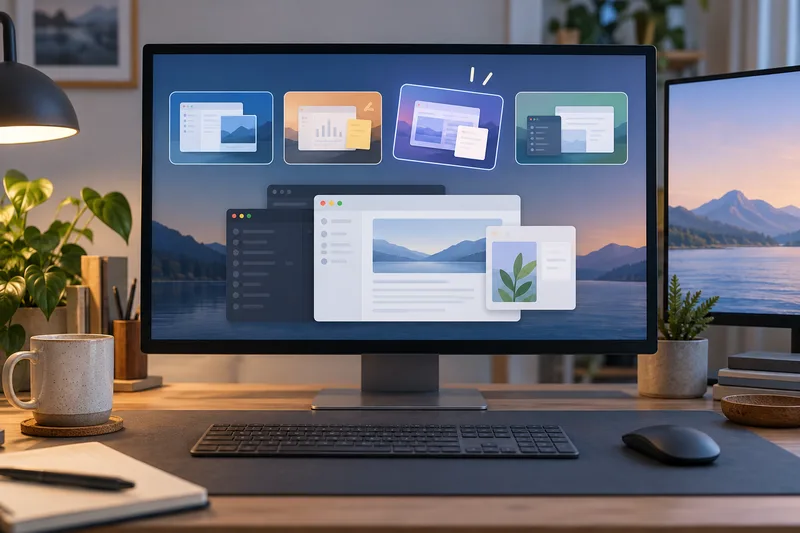
Apple described macOS 27 as making movement between Spaces and Mission Control smoother. Some people in one r/MacOS discussion later described glitches, while other comments said their experience differed. Apple’s macOS 27.0.1 notes say the update includes Mac bug fixes but do not name Mission Control or Spaces. The public record therefore does not confirm either a widespread problem or a specific 27.0.1 fix.
What Apple said about Spaces
In its September 14 software announcement, Apple said swiping between Spaces and Mission Control is smoother in macOS 27. The statement describes the intended experience, but it does not publish a benchmark, device list, or test method. It is not a guarantee that every animation or window transition will behave the same on every Mac.
What the discussion reports
A prominent r/MacOS thread titled “Mission Control in 27 Golden Gate is a mess” describes transitions that the original poster found unreliable, along with windows that appeared frozen or missing. The poster said the behavior was worse with multiple monitors. The thread had 704 votes in the saved search snapshot, but that is one discussion and not a count of affected Macs.
The comments conflict: one person said macOS 27.0.1 fixed the animation on two Macs; another said it remained after installing the update. Other replies mention external displays and Spaces, but provide no matched device details or shared test. The thread cannot show how common the issue is or which configurations are affected.
What macOS 27.0.1 does and does not say
Apple’s support page for macOS 27 updates describes 27.0.1 as providing bug fixes for the Mac. It does not list Mission Control, Spaces, multiple displays, or the specific symptoms from the thread. That means Apple has not publicly named this as a fix in those notes. It does not prove that no relevant code changed; release notes can summarize changes broadly.
The thread and the update notes answer different questions. The thread records what some users said they saw. Apple’s notes state what the company chose to identify publicly. Neither source supplies a reproducible test linking the reported behavior to one version, Mac model, or display setup.

What a Mac user can conclude
If this behavior affects your work, compare the same Mission Control action before and after 27.0.1 on one Mac with the display setup unchanged. Note whether it persists; that can guide personal troubleshooting, but it does not establish a general fix.
A report others can compare should include the Mac model, exact macOS build, number and type of displays, and the steps that trigger the behavior. If relevant, say whether the issue appears on the built-in screen, an external display, or both. It should say whether 27.0.1 was installed before the issue began and whether the same steps fail on another build. The current thread supplies no matched procedure. The original poster’s multi-monitor observation does not show that an external display caused the issue. This checklist would make later reports easier to compare while keeping each result tied to its setup.
Apple’s public notes do not name a Mission Control fix. Reports in the thread conflict, so the current evidence cannot say whether 27.0.1 resolves the issue across all Mac models.
Sources & further reading
- Major updates for Apple’s software platforms are now availableApple Newsroom · accessed Oct 12, 2026
- What’s new in the updates for macOS 27 Golden GateApple Support · accessed Oct 12, 2026
- Mission Control in 27 Golden Gate is a messReddit r/MacOS · accessed Oct 12, 2026